
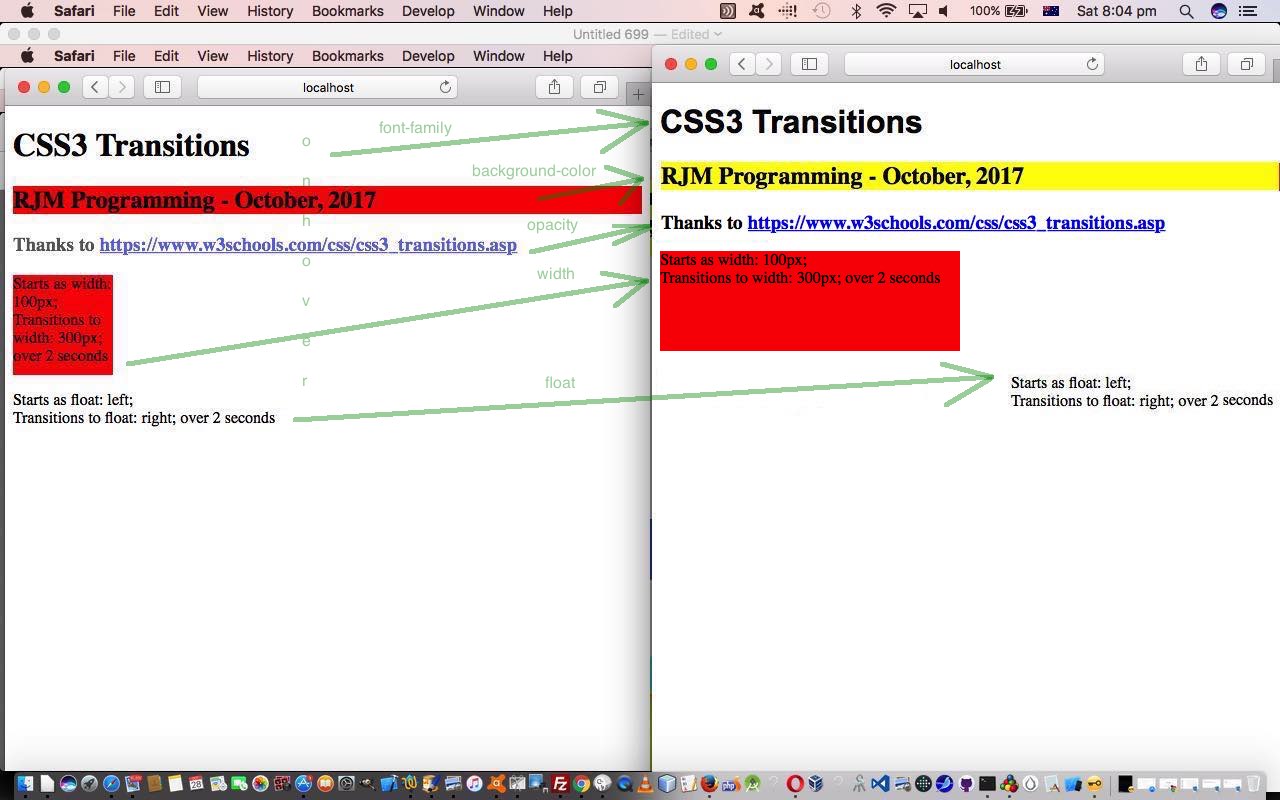
CSS3 Transition Primer Tutorial
The CSS3 (Cascading Style Sheet) specification introduced “Transitions” to CSS styling of web pages. A CSS3 “transition” …
CSS3 transitions allows you to change property values smoothly (from one value to another), over a given duration.
Today, we use the CSS :hover selector as the basis for transitions in our live run‘s css3_transitions.html HTML and CSS source code.
As you might surmise using this web application, CSS3 “Transitions” can act like simple animations.
Stop Press
The CSS :hover selector is not a “good fit” (euphemism for “it doesn’t work, Bud!”) on mobile platforms. Looking around the “net” got to this great link, thanks, which suggested adding onlick=”” on all relevant :hover selector HTML elements, to allow for (and it only really makes sense when the real onclick event meaning is not needed) the onclick event to be simulating the onmouseover event, for those mobile platforms missing the real onmouseover event.
If this was interesting you may be interested in this too.




I like the single-row radio-play approach for keeping the controls compact while still making each selection clear. When I’m checking a calculation alongside a tutorial, I use StepStat to see the intermediate steps; how do you handle the layout when the playlist gets much longer?